
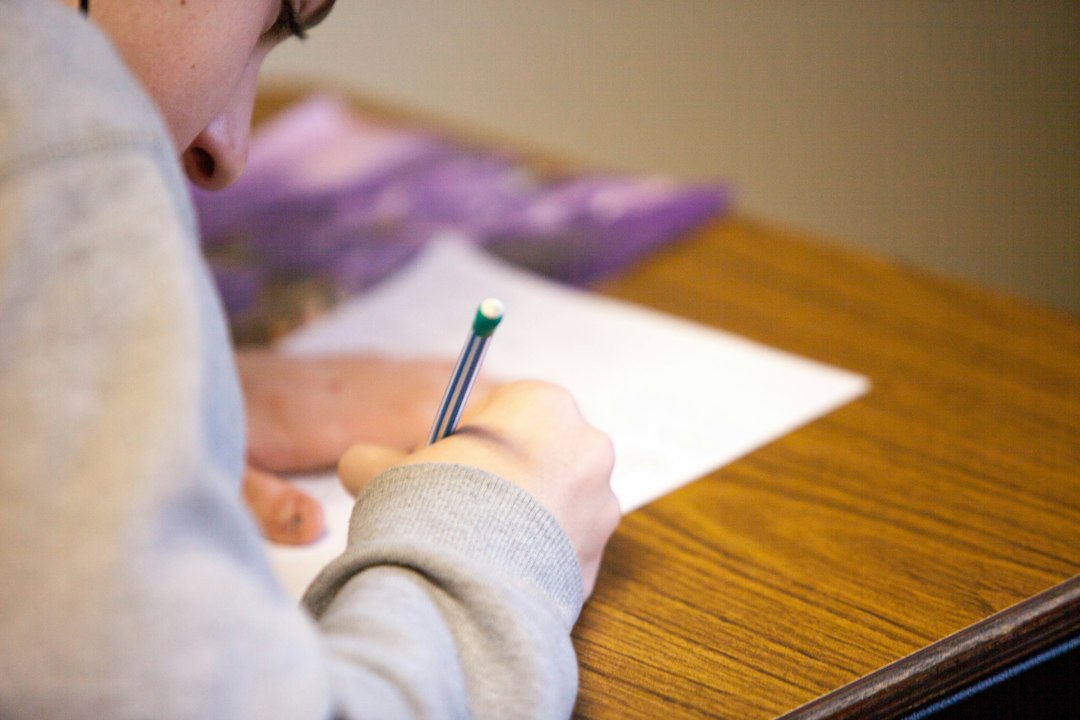
Nothing derails a certification attempt faster than showing up unprepared for the logistics. Candidates who studied for weeks have been turned away at the door or had online sessions cancelled because they missed a simple requirement. Proctored exams, whether at a test center or online from home, come with strict rules about identification, environment, and what you may and may not have with you. This checklist walks through exactly what to prepare so the only challenge on exam day is the exam itself.
Understand Your Delivery Format First
Before you pack anything, confirm how your exam is delivered. Some certifications are taken at physical test centers, some are taken online with a live remote proctor, and some offer both. The requirements differ meaningfully. A test center handles the environment for you but has its own check-in rules. An online proctored exam puts the environment burden on you, with detailed requirements for your room, computer, and connection. Read the official candidate instructions for your specific exam and delivery method well in advance, because some requirements take time to satisfy.
Identification: The Non-Negotiable
The single most common reason candidates are turned away is an identification problem. Proctored exams require valid, government issued photo identification, and the name on it must match the name you registered with. A mismatch, an expired document, or a missing second form of ID can end your attempt before it starts.
| Requirement | What to check |
|---|---|
| Photo ID validity | Government issued and not expired |
| Name match | Exactly matches your exam registration |
| Second ID | Some providers require a second form |
| Physical document | Digital photos of ID are usually not accepted |
Verify your registered name matches your ID days ahead, not on exam morning. If there is any discrepancy, contact the certification provider early to correct it, since fixes can take time.
For a Test Center Exam
At a physical test center, the facility provides the computer and workspace, so you bring very little. Bring your identification, your exam confirmation or appointment details, and arrive early. Most centers ask you to store personal belongings in a locker: phones, bags, notes, watches, and other items are not allowed in the testing room. You will typically be given a locker key and sometimes a provided marker and erasable board for scratch work.
Do not bring your own notes, calculator, or reference material unless the exam specifically permits them, which most do not. Leave anything you cannot store at home if possible. Plan to arrive with time to spare so a traffic delay or a long check-in line does not cost you your slot.
For an Online Proctored Exam
Online proctored exams shift responsibility to you, and the environment rules are strict. You need a private, quiet room where you will not be interrupted, a clear desk with no unauthorized materials, and often a walkthrough where you show the proctor your surroundings via webcam. Other people cannot be present, and talking aloud may be flagged.
Technically, you need a compatible computer, a working webcam and microphone, and a stable internet connection. Most providers require you to run a system compatibility check ahead of time and sometimes to install a secure browser or proctoring application. Do this well before exam day, not minutes before, so you have time to resolve any problem. Close background applications and disable anything that might interrupt the session.
Environment and Personal Preparation
For online exams, clear your desk completely except for what the rules allow. Remove papers, books, extra monitors, phones, and anything within reach that could look like a resource. Some providers prohibit food, drink, and even leaving your seat during the exam, so read the break policy carefully. If your exam allows a water bottle, it often must be clear and label free.
Take care of yourself physically too. Eat beforehand, use the restroom before you begin, and dress comfortably. A long proctored exam is draining, and small discomforts become distractions. If you are permitted breaks, know the rules for them in advance so you do not accidentally violate a policy.
A Pre-Exam Timeline
Preparation is easier as a sequence than a last minute scramble. Roughly a week ahead, confirm your appointment details, verify your ID name match, and for online exams run the system compatibility check. A day ahead, prepare your identification, confirm your route to the test center or clear your exam room, and test your webcam and connection again. On exam day, arrive or log in early, have your ID ready, and follow the check-in instructions calmly.
Building in this buffer removes the panic of discovering a blocker at the last moment. Most check-in failures are entirely preventable with a little advance verification.
Final Thoughts
The exam content is only half the battle; the logistics are the other half, and they are fully within your control. Confirm your delivery format, guarantee your identification is valid and name matched, pack only what the rules allow, and for online exams prepare your room and technology well ahead of time. Run through the timeline so nothing is left to chance. Handle these details in advance and you walk into your proctored exam free to focus entirely on the questions you spent weeks preparing to answer.
Frequently Asked Questions
What identification do I need for a proctored exam?
You need valid government issued photo identification that is not expired, and the name must exactly match your exam registration. Some providers require a second form of ID. Digital photos of your ID are usually not accepted, so bring the physical document. Verify the name match days ahead, and contact the provider early if there is any discrepancy since fixes take time.
What can I bring into a test center?
Very little. Bring your identification and your appointment details, and arrive early. Most centers require you to store phones, bags, notes, and watches in a locker, and they provide the computer and often an erasable board for scratch work. Do not bring your own notes, calculator, or reference material unless the exam specifically allows them, which most do not.
How do I prepare for an online proctored exam?
Set up a private, quiet room with a clear desk and no unauthorized materials, since the proctor may inspect your surroundings by webcam. Run the required system compatibility check and install any secure browser or proctoring app well before exam day. Test your webcam, microphone, and internet connection, and close background applications. Read the break, food, and drink policies carefully because they are often strict.
How early should I start preparing the logistics?
Begin about a week ahead by confirming your appointment, verifying your ID name match, and running any system check for online exams. A day ahead, prepare your ID, confirm your route or clear your exam room, and test your equipment again. On exam day, arrive or log in early with your ID ready. This buffer prevents discovering a blocker at the last moment.